Opens on your dashboard
Straight to net worth, this month's change and what moved - no navigation, no dashboard-loading spinner between you and the number you opened it for.
Add My Finance Tools to your home screen and it opens like any other app - full screen, own icon, no address bar. No store account, no download, no update to install ever again.
Checking your portfolio is a phone habit - a spare minute in a queue, not a session at a desk. This is the tracker built for that minute: it lives on your home screen, opens straight into your net worth, and never asks you to connect a bank account.
Real screens, in whichever theme your phone is set to.
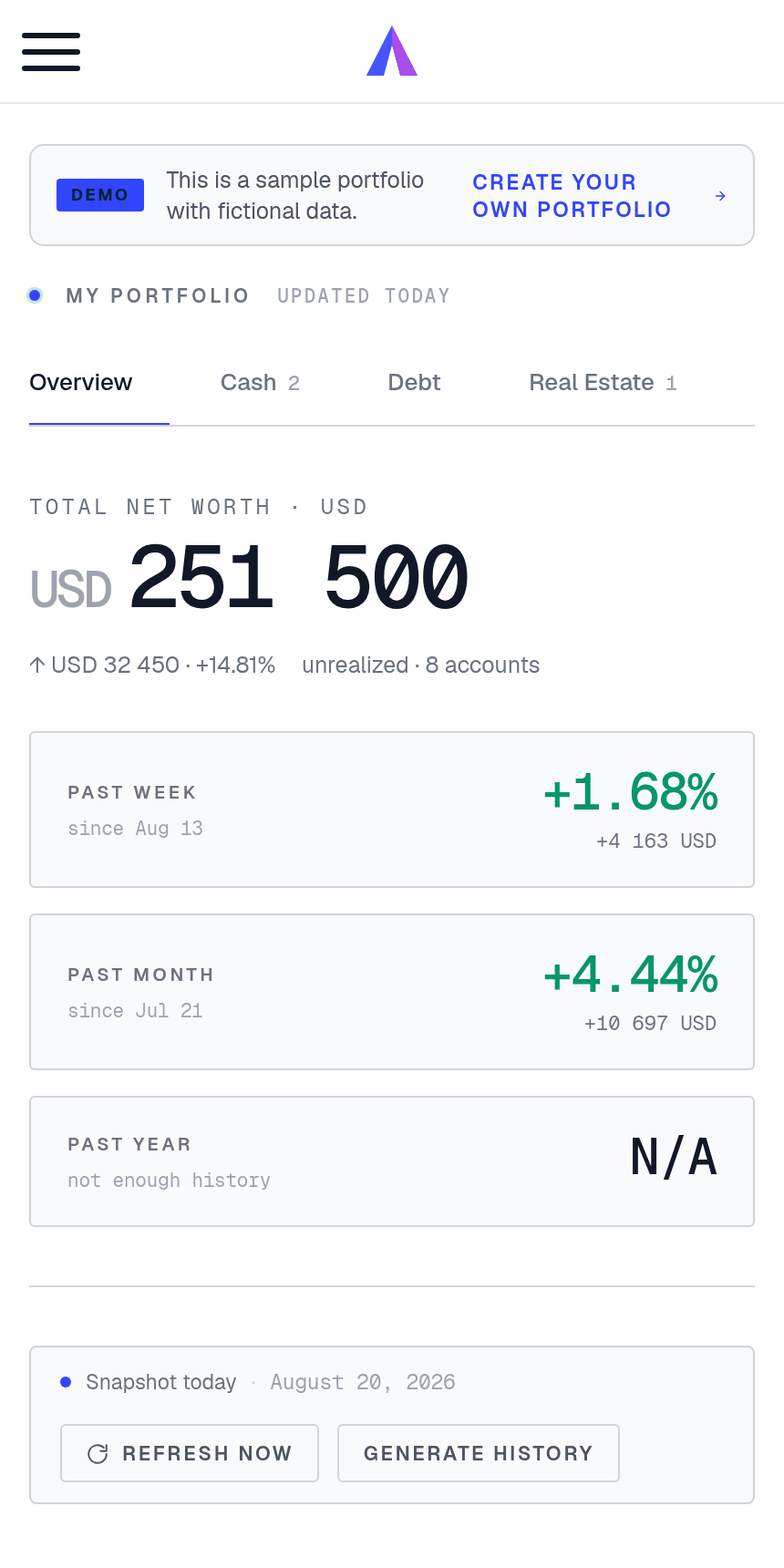
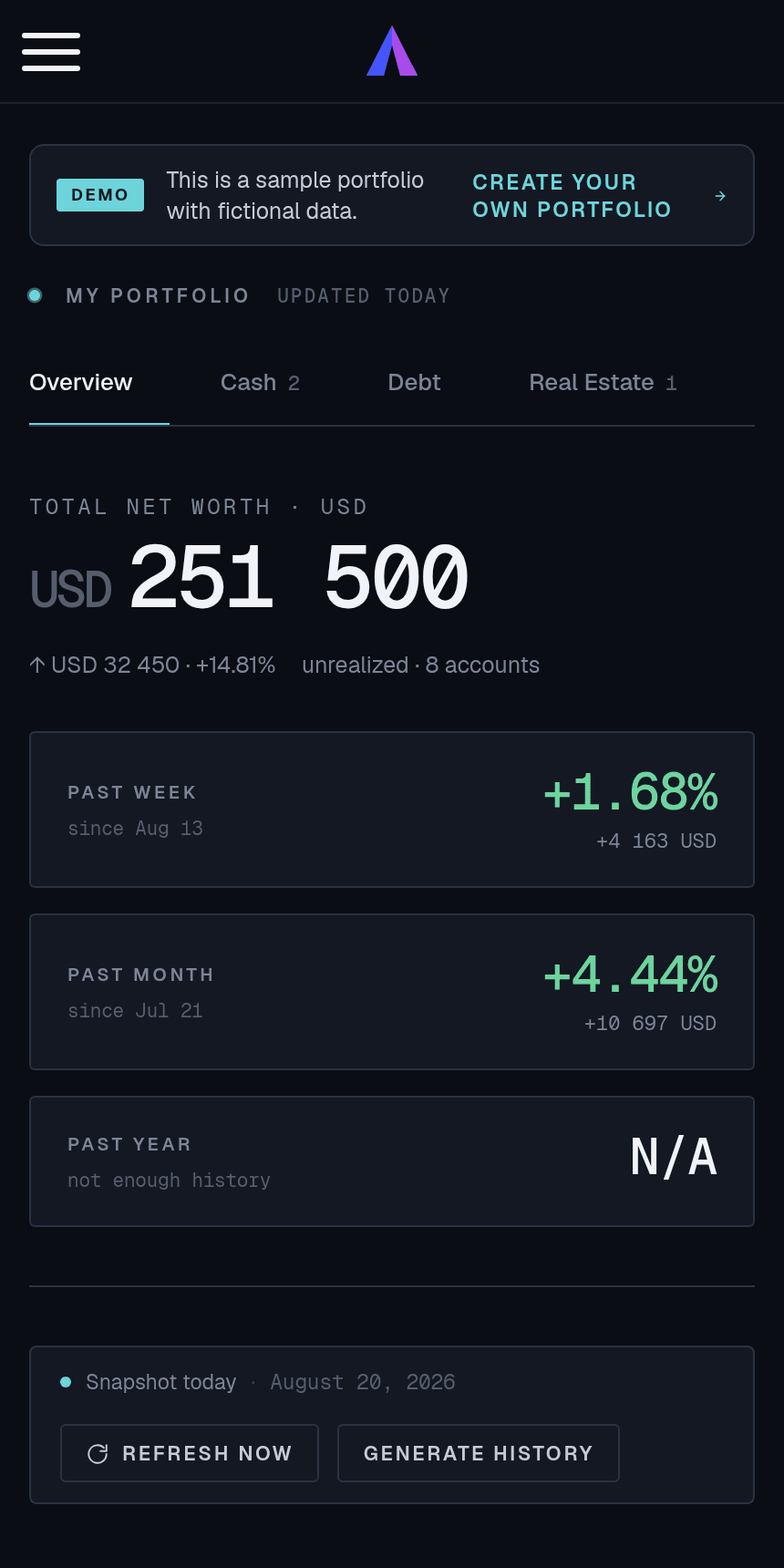
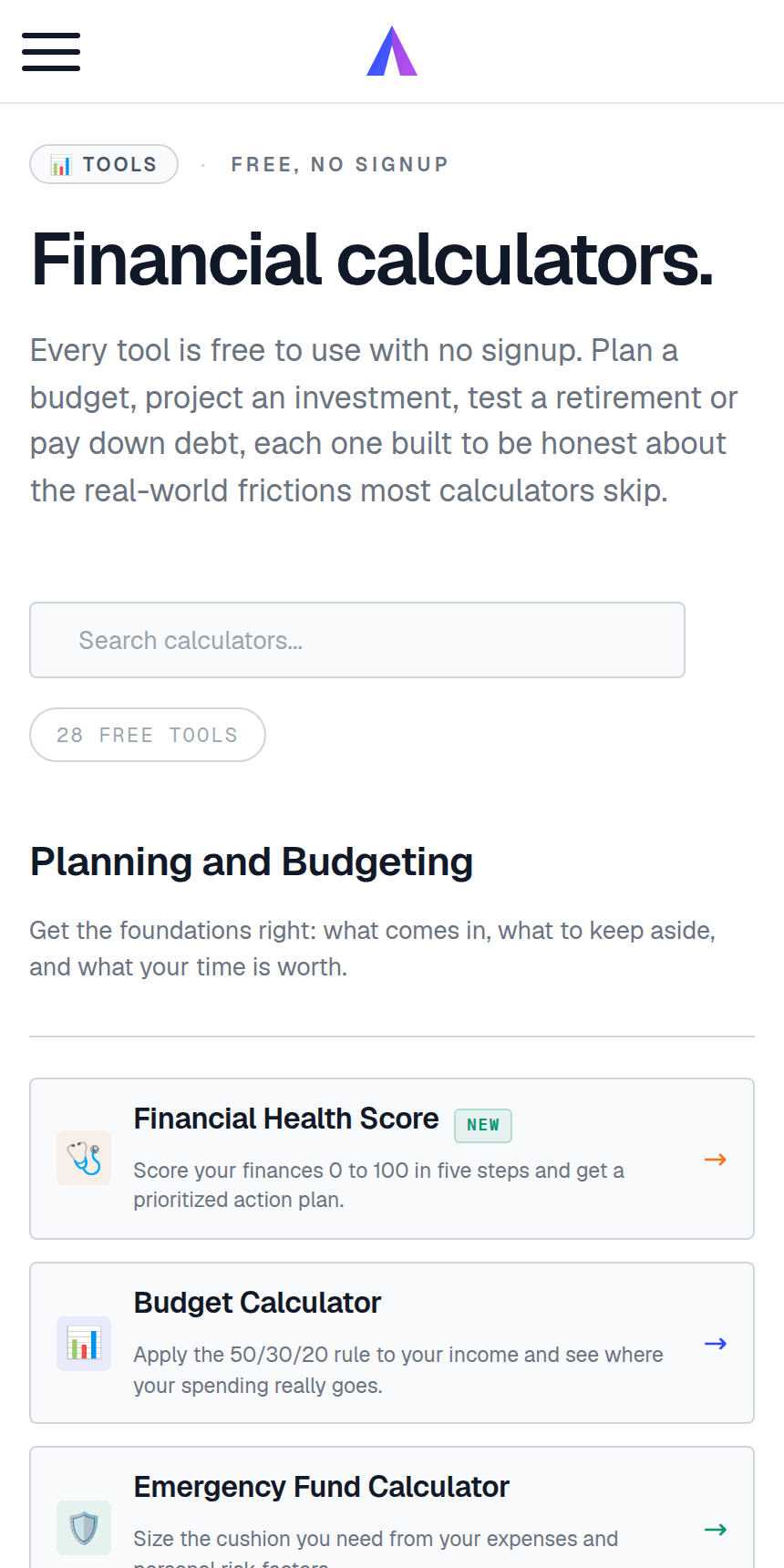
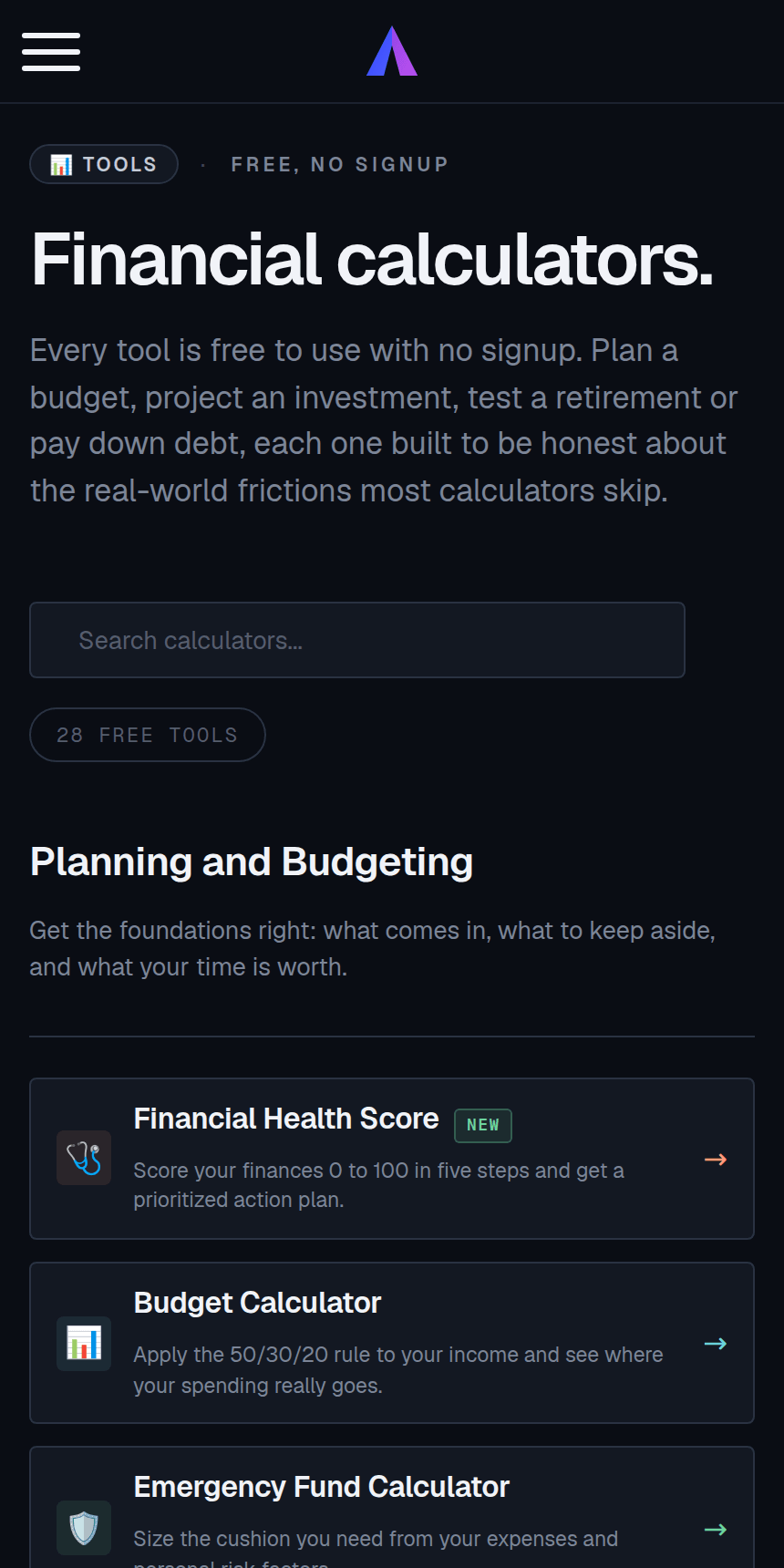
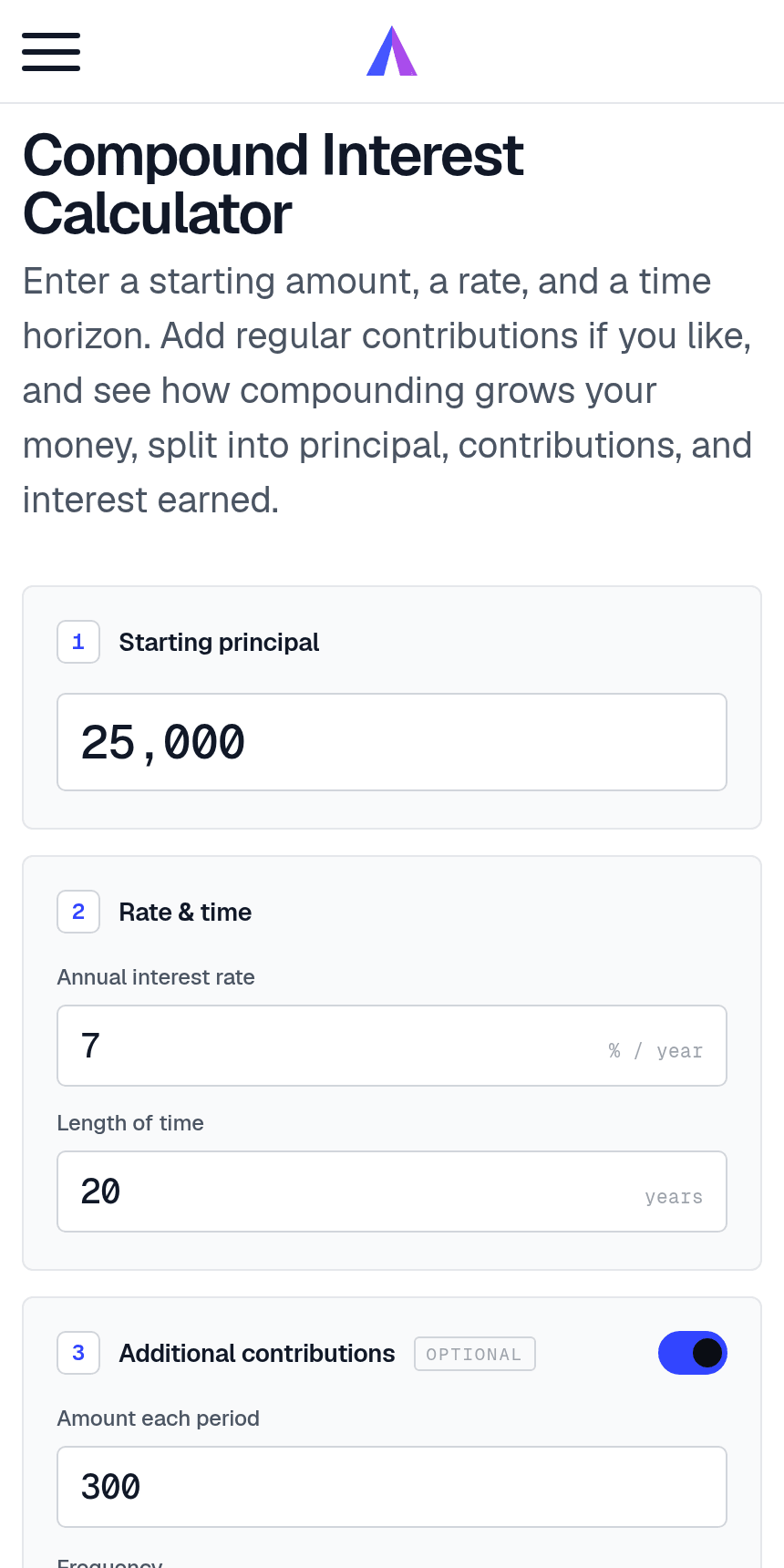
No store, no download, no waiting on a progress bar.
Safari on iPhone, Chrome on Android. Any page works - you do not need an account yet, and the calculators are free to use straight away.
On Android, the link at the bottom of any page opens your browser install prompt. On iPhone, tap the Share button and choose "Add to Home Screen".
It saves as My Finance Tools with our icon. On Android it becomes a real installed app that shows up in your app drawer and settings alongside everything else.
Full screen, own icon, its own entry in the app switcher. Long-press the icon for shortcuts straight to your dashboard, portfolio or the calculators.
Everything on the web version, in a shape that fits a phone.
Straight to net worth, this month's change and what moved - no navigation, no dashboard-loading spinner between you and the number you opened it for.
There is no binary to update. Every time you open it you get the version we deployed most recently, so you are never the person running the six-month-old build.
Stock, ETF and crypto prices update automatically from 53+ exchanges, and weekly snapshots build your net worth history without you touching anything.
English, German, Spanish, French and Portuguese, with localized number formats, currencies and pension types - the app follows whichever you use on the web.
You enter what you own. We never ask for banking credentials, never hold a read-only token to your accounts, and there is no aggregator in the middle.
Unlimited accounts and positions, automatic prices and 27 currencies on the free plan. No card to install, no countdown running in the background.
Skipping it is a feature, not a shortcut.
No 80 MB package, no waiting on hotel wifi, no "storage full" the one time you want to add a position. Installing costs your phone almost nothing.
No Apple ID, no Google account, no payment profile attached to a download just to look at your own numbers. And no store sitting between you and us.
Store apps routinely ship third-party analytics and advertising SDKs you cannot see. This is a web app: what runs is what your browser fetches, and you can inspect it.
Both have real trade-offs. Here they are.
| Store app | This app | |
|---|---|---|
| Install | Store account, download, updates | One tap from the browser |
| Updates | You install them, or drift behind | Always the deployed version |
| Works offline | Usually, in some form | No - it needs a connection |
| Push notifications | Yes | Android yes; iPhone only once installed |
| Storage used | Tens to hundreds of MB | Effectively nothing |
| Found by browsing a store | Yes | No - you come to us directly |
The honest gaps: it needs a connection to show live prices, and iPhone asks you to sign in again after installing, because iOS keeps a separate storage area for home-screen apps.
Create a free account, add your accounts once, and the number is a tap away from then on. Upgrade only if you want the deeper analysis.
Yes, in the sense that matters: open myfinancetools.io in Safari, tap the Share button and choose "Add to Home Screen". It gets its own icon and opens full screen with no address bar, exactly like an App Store app. It is not distributed through the App Store, so there is nothing to download and no Apple ID needed.
Yes. On Android, Chrome turns the site into a genuinely installed app: it builds a package, adds it to your app drawer, and lists it in Settings alongside your other apps. Tap "Add to your phone" at the bottom of any page to install it. It is not on Google Play, so there is no store account or download involved.
Because the store adds a middleman without adding anything for you. Going direct means no download, no store account, no waiting for review before a fix reaches you, and no cut taken from a subscription you buy from us. If we ever list in a store, it will be for discovery, not because the app needs it.
No, and we would rather say so plainly than imply otherwise. A portfolio tracker shows live prices and your latest balances, and stale numbers are worse than a clear "you are offline" message. Open it without a connection and you get exactly that, then everything is there again once you reconnect.
No. Installing is free and the free plan is a real product, not a trial: unlimited accounts and positions, automatic stock and crypto prices, 27 currencies and weekly snapshots. Premium adds deeper analysis, and you can ignore it indefinitely.
No, and you cannot - there is no bank linking anywhere in the product. You enter what you own, either by hand or from a CSV or Excel export from your broker. We never ask for banking credentials and no aggregator sits between you and your accounts.
On Android, no - it shares your browser session, so if you were signed in you stay signed in. On iPhone, yes once: iOS keeps a separate storage area for home-screen apps, so the first launch asks you to sign in again. After that it stays signed in like any app.
Exactly like any other app. On Android, long-press the icon and choose Uninstall, or remove it from Settings. On iPhone, long-press and choose Remove App. Nothing is left behind, and your account and data are untouched - you can still sign in from any browser.
Almost none. There is no large package to store: your phone keeps the icon and a small cache, and everything else loads when you open it. It uses about as much battery as having the site open in a browser tab, because that is essentially what it is.
Yes. Chrome and Edge on Windows, Mac and Linux show an install icon in the address bar, and the link at the bottom of any page does the same thing. You get a proper desktop app with its own window and launcher entry - which is the better way to work through a big portfolio.
Free account, unlimited accounts, automatic prices - and a home screen icon that opens straight onto your net worth.
Portfolio values shown are illustrative sample data. Basic portfolio tracking is free; advanced analysis is part of Premium. Nothing here is financial advice.